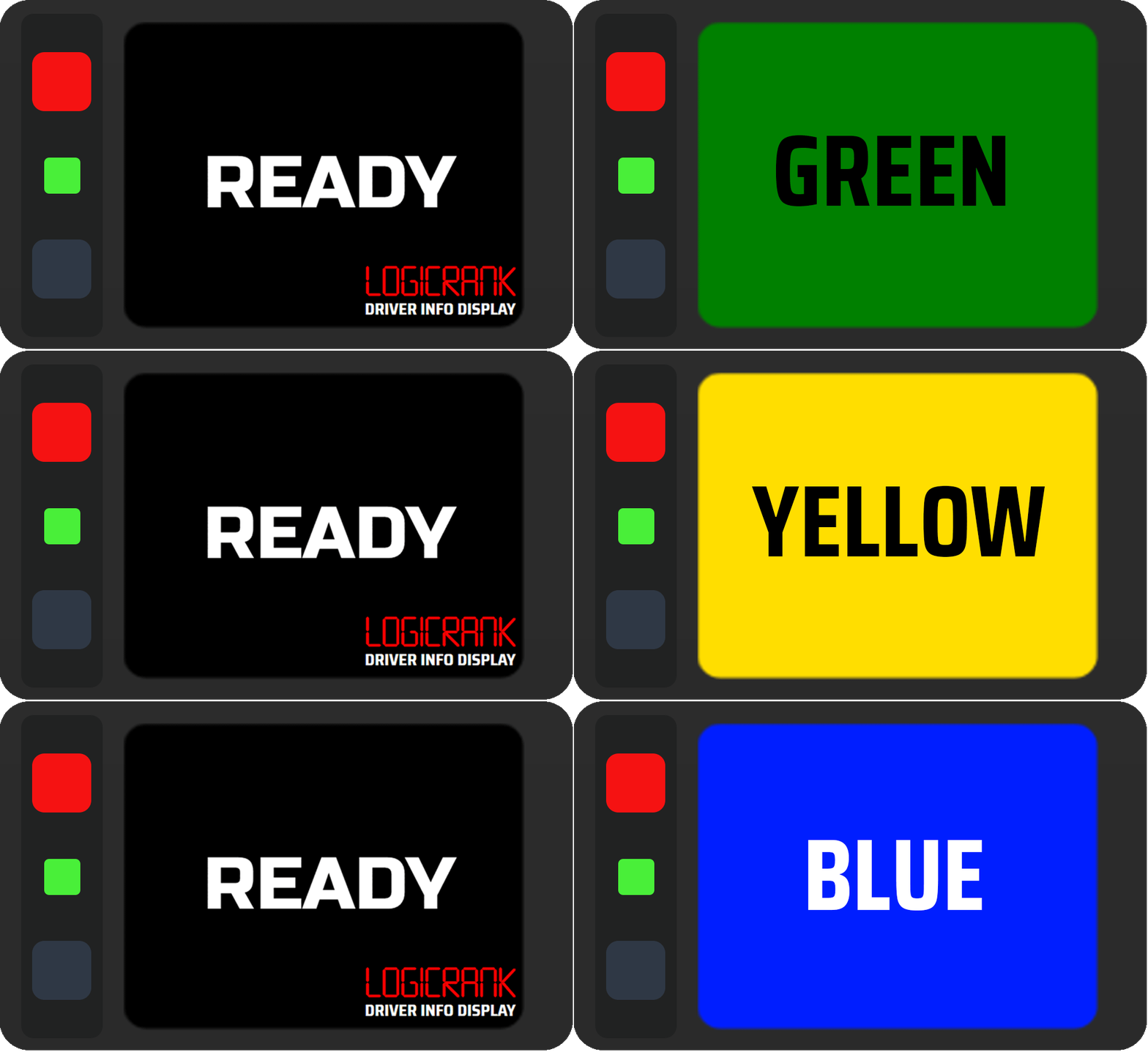
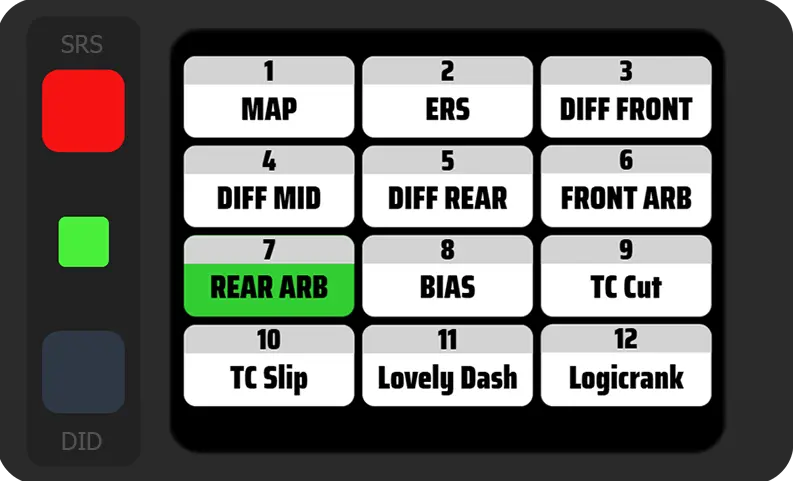
Lumirank DID in Action

Logicrank DID
Advanced driver information system

Advanced telemetry information for flag display devices like the Simpush Lumirank or EvilRacing Evilrank

Changelog

Logicrank v1.2.0

✨ New Features

Penalty Flags for AMS2

Drive Through (DT) and Stop & Go (S&G) penalty flags are now supported in Automobilista 2

Tire Age Counter

Tire information now includes an age counter – a useful addition to help you plan your pit stops for tire changes

Tire Temperature Details

The tire page now shows detailed temperature readings (Inner, Middle, Outer) when supported by the sim

Lap Reset Function

You can now reset your current lap count to zero, for example when starting a new stint. Simply map a button in the plugin on the general page

🔄 Improvements

Redesigned Lap Review Page

The lap review page has been completely redesigned with an improved layout. Information changes between Race and Non-race sessions to mirror the most important data.

Added Delta vs Last Lap

A new delta comparison against your last lap is now available

Improved AMS2 Flags

Yellow, Double Yellow and Red flags now display correctly in Automobilista 2

🐛 Bug Fixes

Fixed Fuel Alerts Plugin Setting

Fuel alerts now correctly respect the plugin setting instead of using the Pacelogic property

Fixed Gaps Page Default Update

The gaps page now properly updates the default page

Fixed Gaps Page Decimal Display

Ahead time on the gaps page now correctly shows decimal values

Fixed Invalid Lap Indicator

Delta times are no longer incorrectly marked as invalid laps

Fixed Fuel Calculation in Pits

Fuel to add calculation now works correctly while in the pits

Logicrank v1.1.0

✨ New Features

Redesigned Pit Limiter Page

The pit limiter page has been completely redesigned with improved visuals and layout

ARB Indicator (iRacing)

Changes to anti-roll bar (ARB) settings are now displayed on the dashboard

Light Stage Indicator (LMU)

Headlight status changes in Le Mans Ultimate are now indicated on the display

Launch Control Indicator (AMS2)

Vehicles equipped with launch control now display a dedicated overlay with all stages (off -> rev -> go)

State of Charge on Fuel Page

State of charge (SOC) is now displayed on the fuel page for hybrid vehicles (when data is available)

🔄 Improvements

Fahrenheit Temperature Support

All pages displaying temperature data now support Fahrenheit units based on your SimHub settings

Enhanced Invalid Lap Notification

Invalid lap notifications are now more prominent and styled consistently with incident point notifications

Idle Screen Alignment

Idle screens now match the visual style of Pacelogic Pro

Logicrank v1.0.0 - formerly Lumirank / Evilrank Dashboard

✨ New Features

Touch Menu Navigation

Tap center of the screen to access the navigation menu.

Ready Screen

The classic Ready screen.

Lap Times & Delta

Real-time lap time tracking with delta comparison.

Fuel Monitor

Monitor your fuel levels and consumption.

Tire Monitor

Track tire temperatures and wear.

Sensor Data

Comprehensive sensor data display.

Damage Display

Visual representation of vehicle damage.

Leaderboard

Race position and standings overview.

Gaps

Track gaps to drivers ahead and behind.

Session Progress

Monitor race or session progress.

Spotter

Audio and visual spotter assistance.

Track Data

Detailed track information and conditions.

Speedometer

Current speed display.

Lap Review Overlay

Review your lap performance after completion.

Damage Overlay

Quick damage assessment overlay.

Fuel Alerts

Warnings for low fuel situations.

Pit Limiter Overlay

Visual indication when pit limiter is active.

Flags

Race flag system (yellow, blue, white, etc.).

Engine Status

Current engine state display.

Electronic Changes

Track changes to electronic systems (TC, ABS, etc.).

Invalid Lap

Visual indication when a lap is invalidated.

LED Widget

The bottom-left LED now supports multiple modes:

  • Fuel indicator
  • Deltas
  • Position (Evilrank only)
  • SOC (State of Charge / ERS)